Gto Update Error/Bug
-
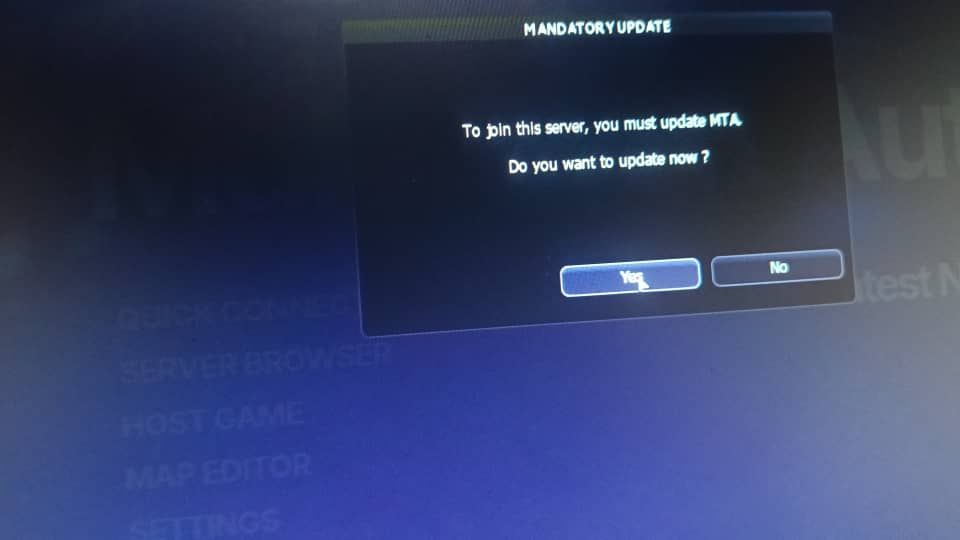
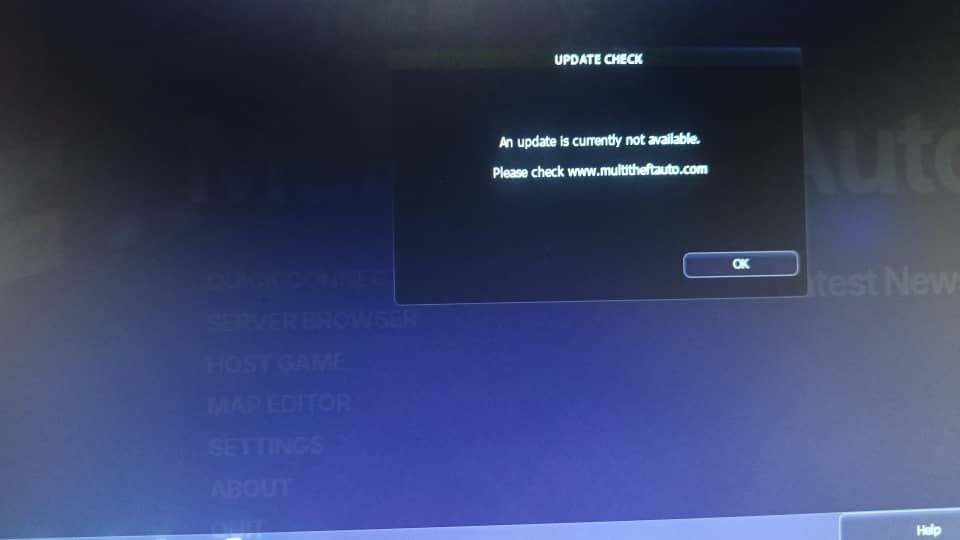
Hello, people who have downloaded/reinstalled MTA are having a problem connecting to the GTO server. First, when you try to connect to the server, you receive an update message. Then, after confirming the update, it says there are no updates available. A friend downloaded MTA today and couldn't connect to the GTO server because of this problem. There are no issues when we tried to connecting to other servers, but we got this problem/bug when connecting to the GTO server. This problem only exists with GTO. I've added the update messages(error messages). I hope the problem will be solved
-
@NeoNRiptiDe type 'ver' in console and say here the result
-
btw the server automatically updates to the max recommended minclient version, listed here: https://nightly.mtasa.com/ver/
Max recommended/minclientversion: 1.6.0-9.23881.0
(2026.02.20. 18:21:27)(&derex) .r getServerConfigSetting('minclientversion')
(2026.02.20. 18:21:14)(~gto) Command results: 1.6.0-9.23881.0 [string]You can download this by this link: https://nightly.mtasa.com/mtasa-1.6-rc-23881-20260214.exe
-
@Derex Actually, we solved the problem. The reason I'm posting this is because you get this error when you download MTA from its official website, and this only happens with GTO. The solution is to download the latest version for Windows 7/10 from the Nightly website, but not every player knows how to do this and can't connect to the server. I connected to my friend's computer via AnyDesk, and the problem was solved that way. Maybe many people are getting this problem.
-
@NeoNRiptiDe ty omer lol
-
@NeoNRiptiDe the actual latest version (23951) could have problems in it, that's why the maximum recommended (23881) is set on gto. You can download that version only from the link I gave, the main page, the multitheftauto.com's download button is also using the very latest version (23951) which could be unstable. I don't even know why don't they automatically set the maximum recommended version there.
-
@Derex in your link you have send it doesn't work on windows 7 , 8 and 8.1 ....Why?? any solution about it!!
-
@PuLveyS We already downloaded the Windows 7 version, but when we automatically update while entering GTO server, it downloads the Windows 10 version(newest version of win10). So, it seems we need to delete the MTA and download it from the Nightly site with each update for got windows 7 newest version